Skip to content
Vending machine management software

Every machine.One operating record.

Track inventory, customer requests, field work, contracts, and profit by machine, without replacing the hardware you already use.

Payment method required. No charge today. Cancel before day 14 to avoid billing.

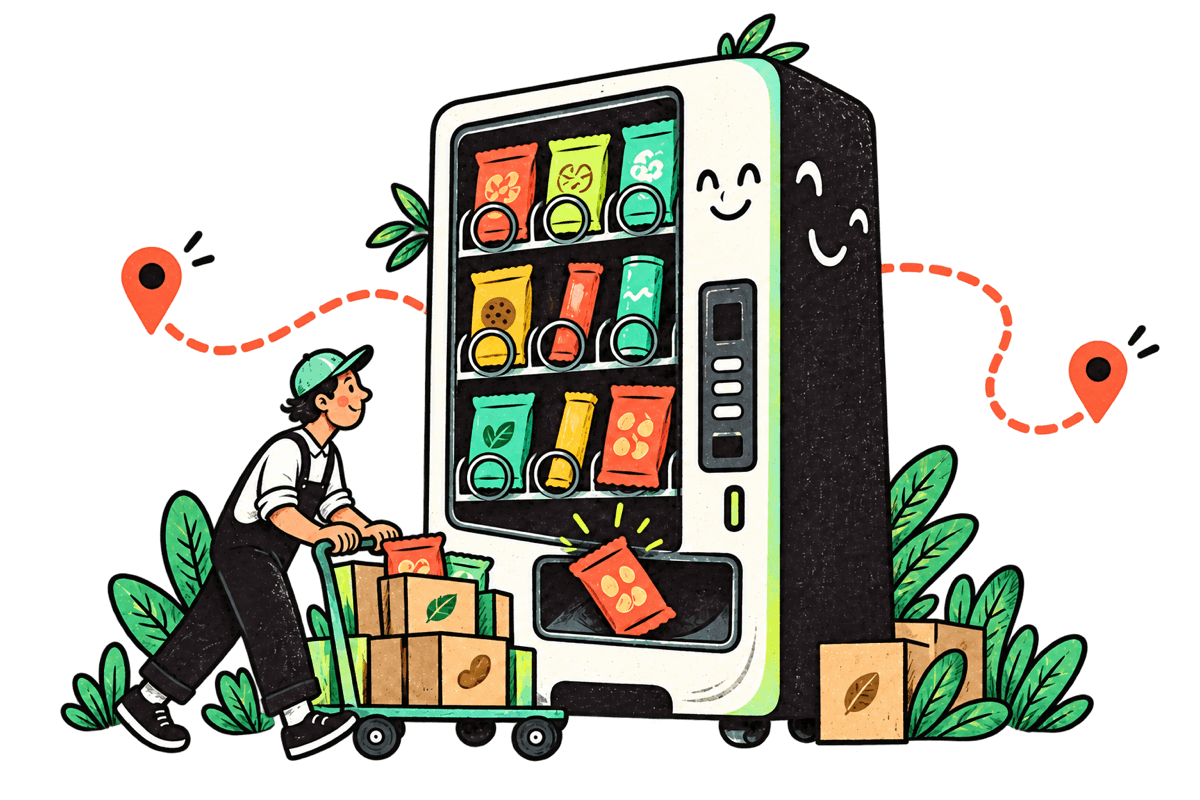
Hand-drawn vending operator pushing a restock cart beside a lively vending machine
Customer requestfollows the routeand updates the operation.
Open a sample route before signup Works with cash, CSV imports, and mixed fleets 14-day trial before monthly billing

Inside the real product

Choose the workflow you want to inspect

Sample data

Vending business dashboard

See sales, profit, service pressure, and the next decision.

Start with the machines and locations that need attention instead of rebuilding the day from processor portals, texts, and spreadsheets.

  • Revenue and net contribution
  • Open service pressure
  • Machine-level next actions
Explore the live demo
Live product workspace · sample company data

One vending operation, three focused experiences

The right workspace for each person involved.

Owners need the full business picture. Operators need clear work in the field. Customers need a fast answer at the machine. VendPatch connects all three without showing everyone the same complicated screen.

01

Owner and manager workspace

See what needs attention and what the business actually earned.

Run locations, machines, contracts, employees, payroll, income, expenses, host payouts, and reports from one company view.

  • Daily operating priorities
  • Profit by machine and location
  • Team access and accountability
Explore the live demo
02

Operator and field workspace

Carry the right stock and close every assigned job.

Turn service tickets and low stock into routes with machine details, access notes, product counts, cash collection, and completion evidence attached.

  • Ticket and route assignments
  • Restock counts and product usage
  • Photos, notes, cash, and completion
Explore the live demo
03

Customer-facing support

Give every machine a simple way to ask for help.

Customers scan one QR code to report an issue, request a refund or product, add optional evidence, and follow the response through a private status link.

  • No customer account required
  • Issue, refund, and product requests
  • Private updates until resolution
Try the customer QR

Simple vending machine setup

Start with the machine you already run.

Add its name, location, and basic layout. VendPatch creates the machine workspace, QR support page, inventory structure, and readiness checklist without forcing you through a long setup project.

ADDMachine nameADDLocationCHOOSEBasic layoutREADYMachine workspace
FIRST RECORDLobby Snack 01North Tower · ready to finish
  1. 01
    Name the machineLocation and identity
  2. 02
    Choose the basicsLayout, contract, QR
  3. 03
    Open the workspaceRun the operation now

The machine is the thread

One customer scan. One accountable response.

See how a request moves from the QR sticker to the operator, the route, and a complete machine record without losing context.Try the customer QR
LOBBY SNACK 01 NORTH TOWER
REQUEST IN PROGRESS
STEP 1 OF 3

Scan and identify

The QR code knows exactly which machine needs help.

A customer scans the sticker and chooses an issue, refund, product request, or feedback. VendPatch attaches the request to the machine automatically.

  • Exact machine and location
  • Optional photo evidence
  • No account required
ResultA complete request reaches the right machine record
01
LIVE WORKFLOWScan and identifyContext stays attached

Built for mixed vending fleets

Your machines do not need matching hardware.

Start with the records each machine can provide. VendPatch brings cash collections, card-reader sales, and product purchases into one operating view.

  1. Cash and coinLog collections and manual counts
  2. Card-reader salesImport supported CSV files
  3. Product purchasesReceive cases as individual units

One result: compare sales, stock, and performance by machine and location.

See the mixed-fleet workflow

Riverbend Vending

Mixed fleet · Tuesday sync

3 input methods

Bring records in the way you have them

Manual count

Lobby Snack 01

32 selections counted

Ready

Card-reader CSV

Tower Drinks 02

1,248 sales rows matched

96.8%

Purchase receipt

Warehouse intake

6 cases · 144 units

Received

One operating record

Today’s fleet picture

Recorded sales
$4,862

cash + imported

Inventory
418

sellable units

Service
2 open

machine-linked

Locations
6 active

same workspace

No rip-and-replace required

Add better data sources as the route grows without rebuilding the operation.

Inspect first. Commit second.

Know exactly what opens, what is protected, and when billing starts.

Straightforward pricing

Pay for the fleet you run, not a pile of add-ons.

Every current core workflow is included. Choose the active-machine capacity that fits now, then move up without rebuilding your records.

14 days

Free trial

Unlimited

Team members

$0

Setup fee

01

Starter

Owner-led route

$29/ month

1–10 machines

For a first route that needs stronger habits than a spreadsheet can provide.

Start 14-day trial

03

Fleet

Established operation

$179/ month

51–150 machines

For a larger field operation that needs capacity without changing systems.

Start 14-day trial

Core workflows are included on every plan.

Only active field machines count toward the limit. Prices are monthly in USD. Stripe confirms a payment method at signup; billing starts after 14 days unless you cancel first.

Review pricing details
  • Locations and machines
  • Inventory and purchasing
  • QR customer support
  • Routes and field work
  • Contracts and signing
  • Finance and reports

Vending business guides and tools

Learn how to start, run, and measure a vending route.

Use practical guides, calculators, worksheets, and operating playbooks for finding locations, choosing machines, pricing products, planning restocks, serving customers, and calculating profit.

Browse all operator notes

The starting point

A–Z

Free operator field guide

Start a vending business without buying the wrong things first.

Go from finding a viable location to pricing products, signing terms, launching the machine, running the route, and knowing when the numbers support expansion.

13 practical stepsProfit calculator3 free worksheets
Open the guide

Vending software questions

What operators ask before moving a route.

Get direct answers, then explore the working software with sample data and no account.

What is vending machine management software?

Vending machine management software gives an operator one place to organize machines, locations, products, inventory, routes, service requests, contracts, and financial records. VendPatch connects those records so a customer issue, field visit, stock change, expense, and machine result do not live in separate tools.

Who is VendPatch built for?

VendPatch is designed for independent vending machine operators and growing route teams that need more structure than spreadsheets but do not want their whole operation tied to one hardware provider.

Does VendPatch require smart machines or a specific card reader?

No. You can begin with manual cash and stock records, then import supported card-reader sales files when they are available. VendPatch is designed for mixed fleets, including machines without live telemetry. Direct telemetry connections are not included in the current early-access release.

Can customers report a problem from the machine?

Yes. Each machine can have a customer-facing QR page for service issues, refund requests, product requests, and feedback. The request stays connected to that machine and includes a private status link for the customer.

How does VendPatch track cases and individual vending products?

VendPatch records what you purchase by case and converts it into sellable individual units when you receive stock. Products can then move from warehouse inventory to a route and machine, with unit cost, counts, restocking work, and inventory adjustments kept together.

Can I track vending machine income, expenses, and profit by location?

Yes. VendPatch can organize recorded cash, coin, and imported card sales alongside product cost, processor fees, refunds, service expenses, and host payouts. Reports show the available revenue, gross margin, and net contribution by machine, location, and reporting period; they depend on the records you enter or import.

Is VendPatch available now?

VendPatch is available in early access. You can explore a sample route without an account or create a private workspace for a 14-day trial. A payment method is required during trial signup, and the selected monthly plan begins after 14 days unless you cancel first.
See VendPatch before you subscribe

Follow one vending route from customer request to profit.

Open the working sample workspace and inspect how machines, QR support, routes, inventory, contracts, employees, and finance connect.

Demo opens instantly. No account or payment details needed.

LIVE SAMPLE ROUTE No account needed
ONE CONNECTED MACHINELobby Snack 01

North Tower · Tuesday route

  1. 01Customer requestIssue received09:14
  2. 02Field visitWork completed11:42
  3. 03Route result$186 netToday
COMPLETE STORYService, stock, and money stay together.

VendPatch is in early access. Native host-agreement signing, Stripe subscription checkout, and branded transactional email are available; direct hardware telemetry is not yet connected. Review current availability →